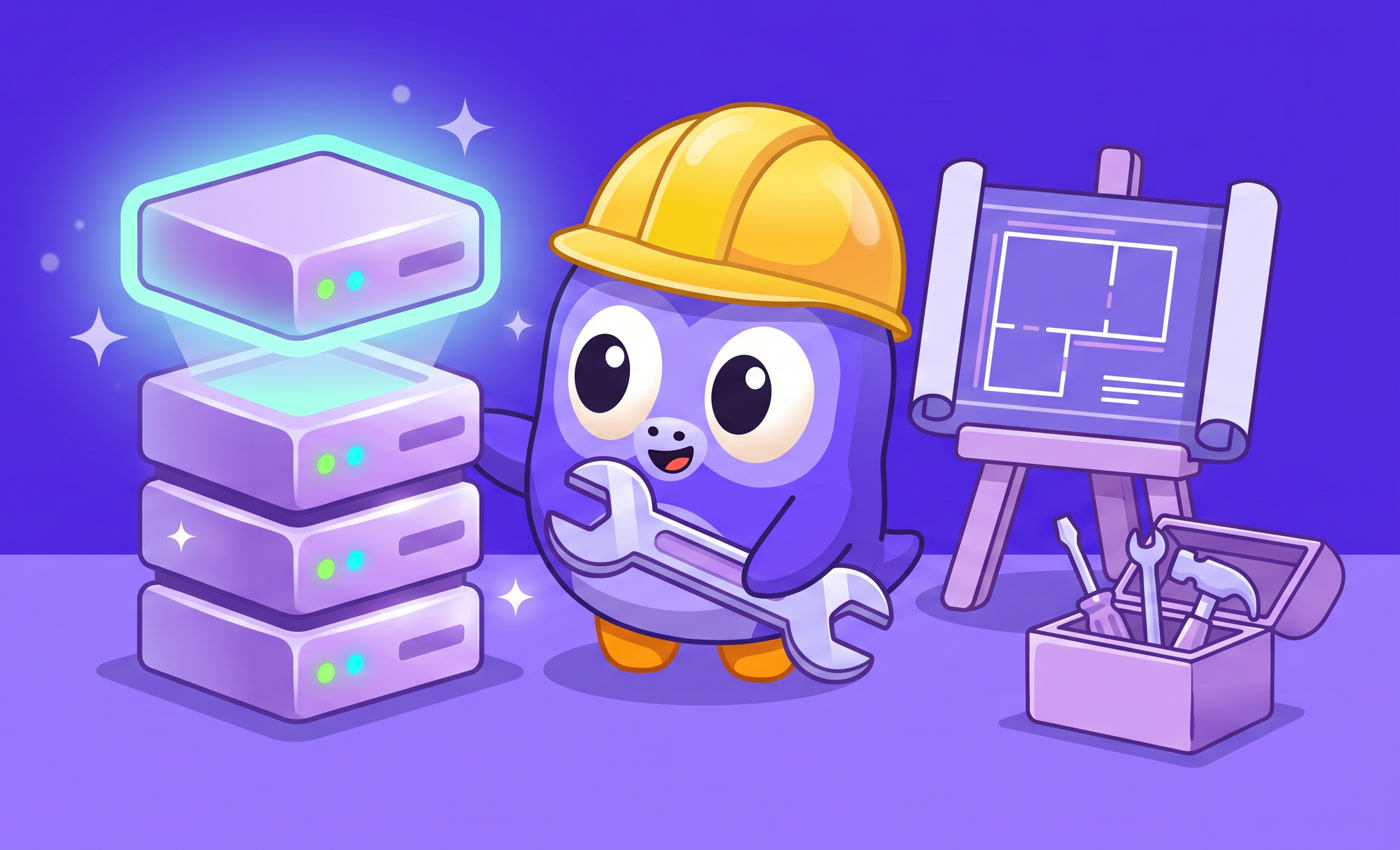
set up a server in minutes
Pick an ESX Legacy, Qbox or clean pack, enter a name and your Cfx.re key. FiveHub downloads the server, sets up the database and uploads the scripts for you.
Set up a server in minutes, install scripts in one click and ask an AI assistant that knows your server.
 ESX Legacy
 QBCore
 Qbox
 txAdmin
Discord
 OneSync
 MariaDB
 ox_lib
Pick an ESX Legacy, Qbox or clean pack, enter a name and your Cfx.re key. FiveHub downloads the server, sets up the database and uploads the scripts for you.

A store with free scripts, jobs, vehicles and maps. Before installing we check that a script fits your server and make a backup, so you can undo the change in one click.
It sees your resources, framework and console errors. It tells you what to add, what is duplicated and how to fix an error, in plain words.
Server status, player count, welcome messages and alerts when the server goes down. Set it up step by step, like a lesson.

Discover servers from all over the world with country flags, and show your server to players looking for a new place to play.
Need something just for you? Describe your idea, pick a package and our developers will write a script for your pack.
This is FiveHub. Click what you want to see.
Describe a move and AI makes the animation on a real FiveM character. Fine tune it with your mouse and download a ready .ycd file for the game.
E.g. “backflip” or “sitting down on a chair”. AI makes the animation in under a minute.
Click a joint on the character and move the sliders. Or type “slower” and AI fixes the animation for you.
Download a .ycd file built on the same skeleton as in FiveM and drop it into your resource.
AI in FiveHub made each of them from one sentence, with no fixes. Click one to see it in the studio.
The studio is in the FiveHub app. Every AI animation counts as one message to the assistant, so you can start for free, and the Pro plan gives you many more.
A Windows installer. The app updates itself.
A new server with the wizard, or connect yours with one resource.
Install scripts, ask the assistant and see who is playing.
Pay only when your server grows.
Change or cancel your plan in the app at any time.

No. The “Set up a server” wizard creates it for you on your computer from a ready ESX Legacy, Qbox or clean pack. You only need a free key from portal.cfx.re, and the app shows you where to get it.
Yes. Upload one resource, fivehub-bridge, and add it to server.cfg. From then on you install scripts and see players and the console right from the app, without FTP.
Before every install FiveHub checks that the script fits your server and makes a backup, so you can undo the change in one click.
No. The browser panel has the store, server management, the AI assistant and the Discord bot, and you log in with the same account. The Windows app is only needed to set up a server on your computer.
Just like in Claude: there is a 5 hour limit and a weekly limit, and a daily limit on the Free plan. The bar under the message box shows how much is left and when it resets.
Windows 10 and 11 (64-bit). A server set up with the wizard also runs on Windows. The app updates itself.